Psiphon
Free VPN for PC bypassing content and gives you easy access to any censored data
Safe & Secure
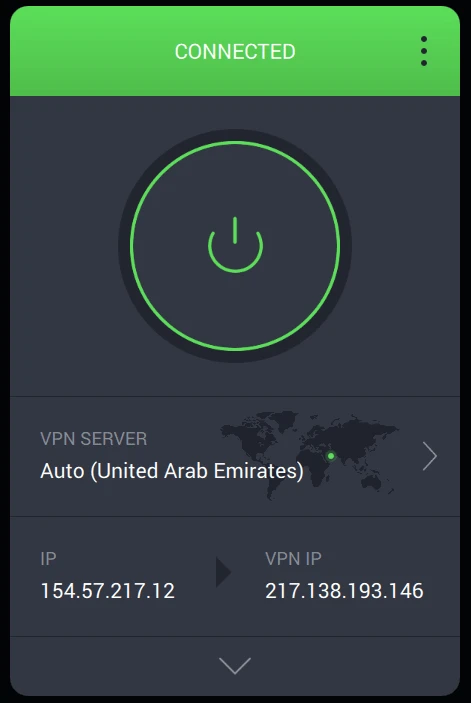
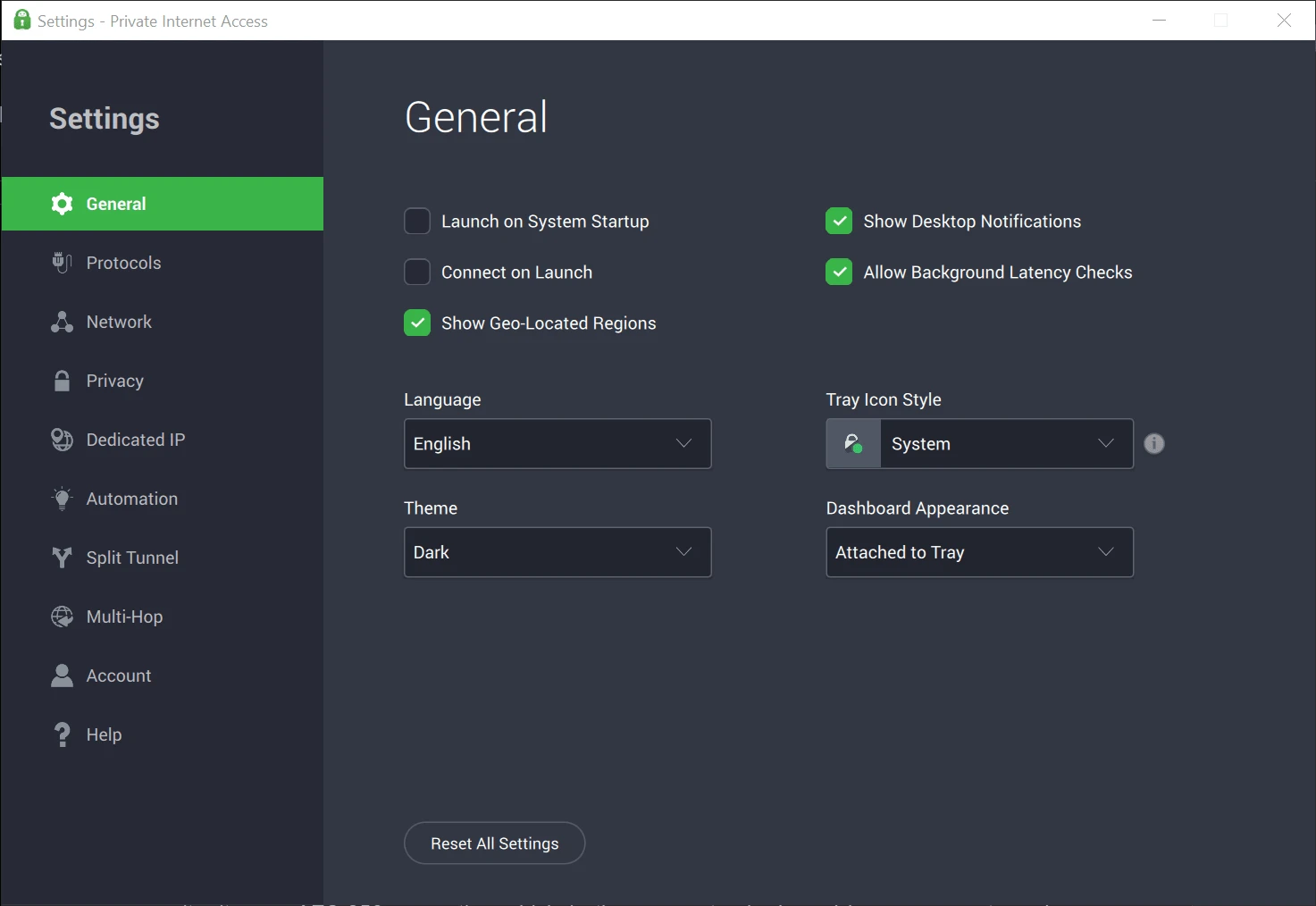
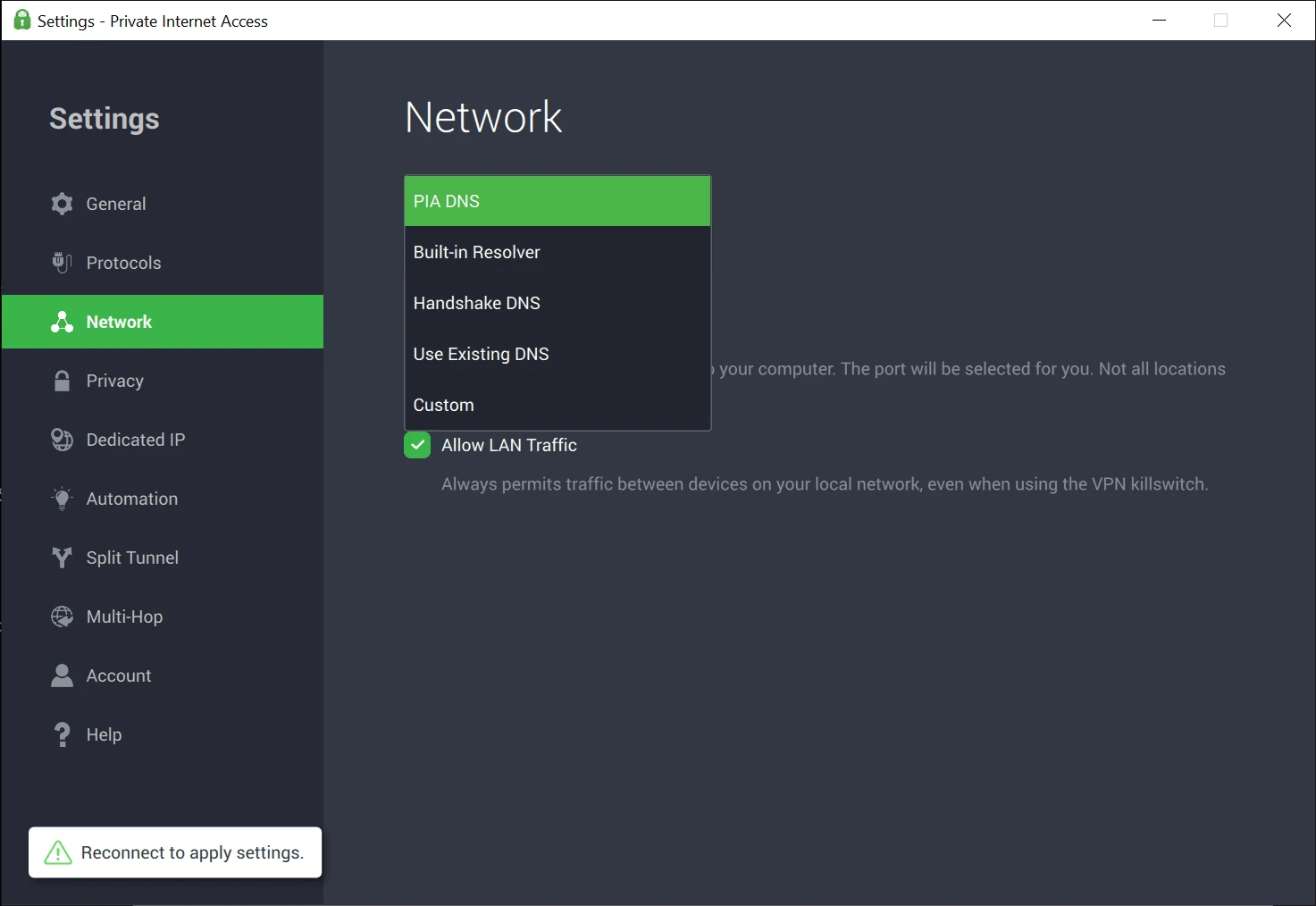
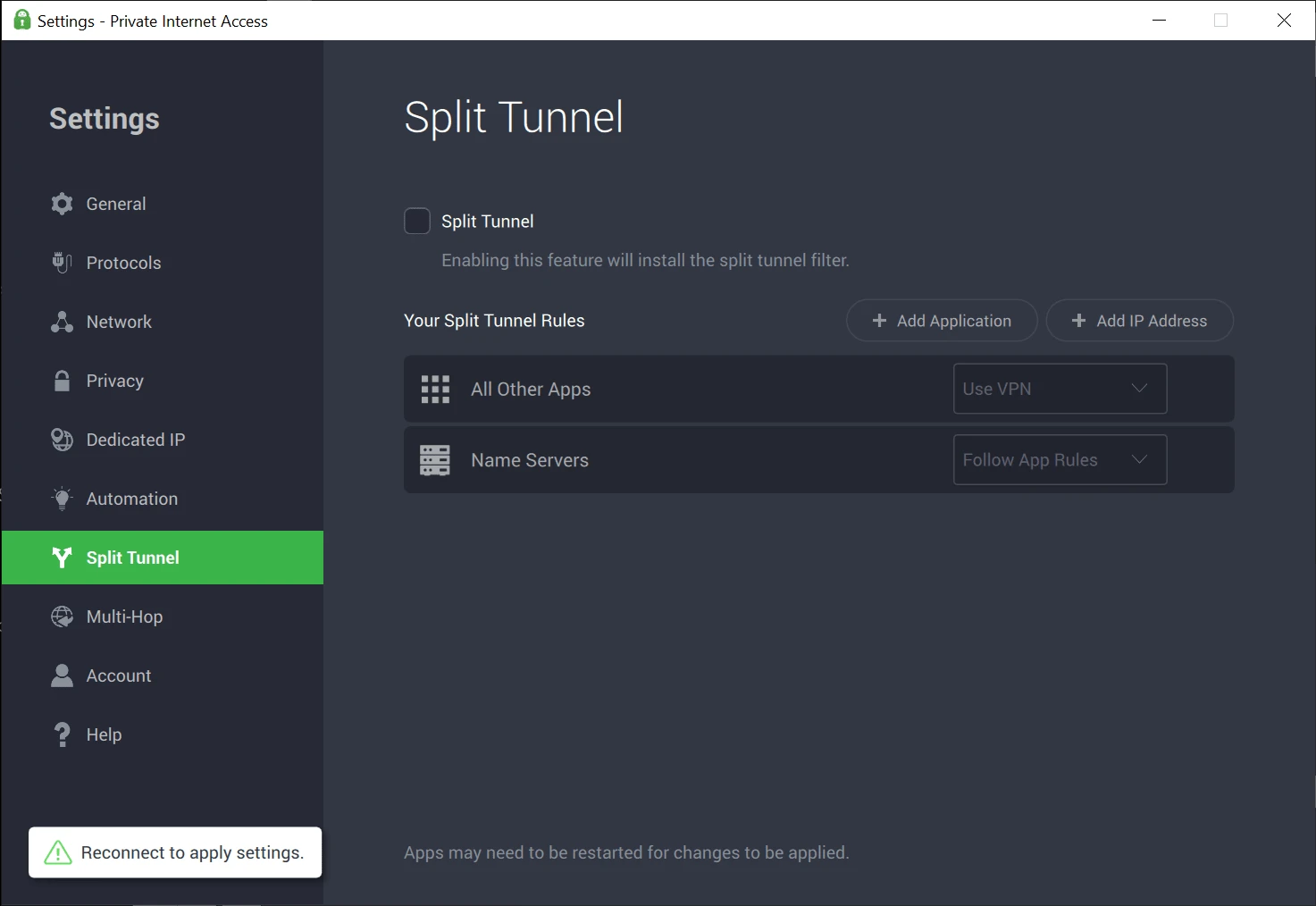
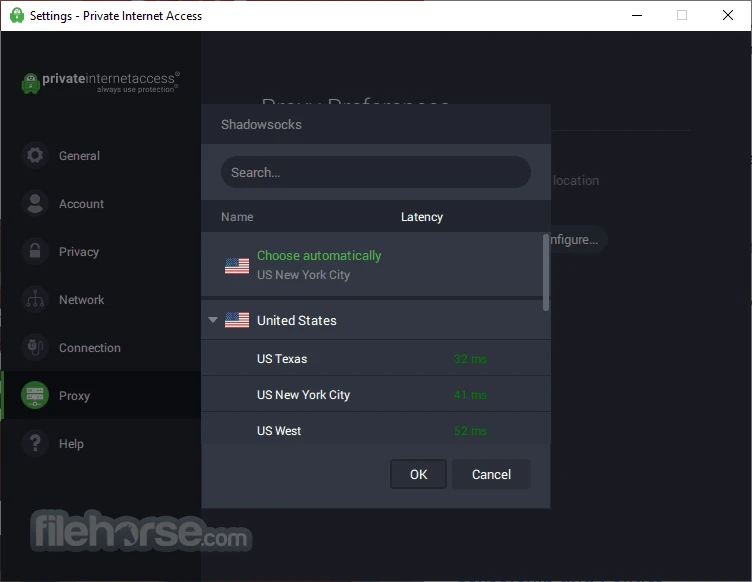
Private Internet Access, commonly known as PIA, is a powerful VPN Windows application, offering remote connection over the internet. You can securely access your desired location by selecting your favorite server from a huge list. So, reliably surf anonymously while avoiding all types of internet restrictions.
It is one of the most popular VPN utilities, specifically for users who prefer their online privacy and security a lot in different scenarios, including individuals, businesses, and privacy-conscious users. It offers smooth and fast performance by leveraging multiple powerful encryption protocols.
Private Internet Access, or PIA, developed by a team led by Andrew Lee, was specifically designed for hiding IP addresses on IRC (an old chat used in the background) and was published in 2019 under the flag of Kape Technologies. It offers fast services to combine a lot of essential privacy tools and functionalities.
The app, with a freeware license, allows users to use the paid version within a 30-day money-back guarantee, as there isn’t a free trial version available. You can use one subscription plan for up to 10 devices simultaneously.
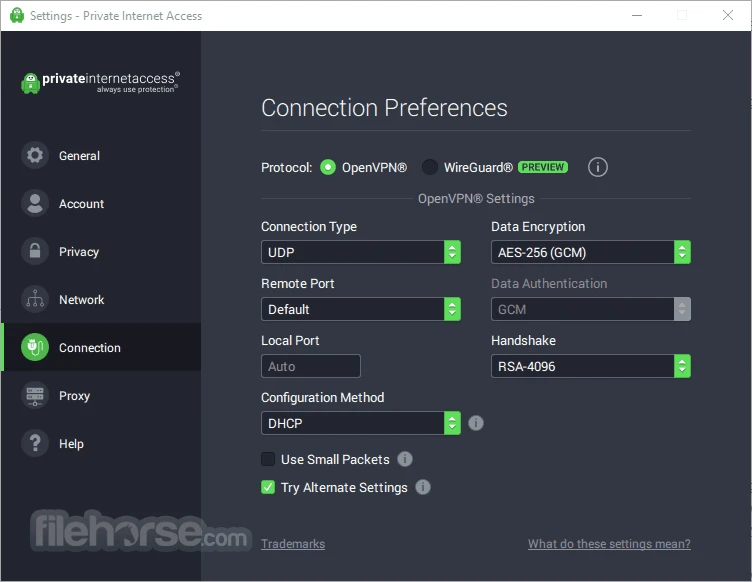
The app requires the entering of your credentials to create an account, access simple setup, and configure the Settings menu according to your preferences. You can also select the connection type; UDP or TCP, and customize the remote as well as local port, and also enable/disable ‘Port Forwarding’ capabilities as per your requirement.
The app is capable of bypassing geo-restrictions while connecting through thousands of servers, as the server collection offered by the app is spread across the world, making all restricted content accessible throughout the world; regardless of the content you want, including TV shows, region-specific websites, and so on. In addition, you will find a smooth and uninterrupted connection with quick switching between servers, and enjoy an optimized connection speed.
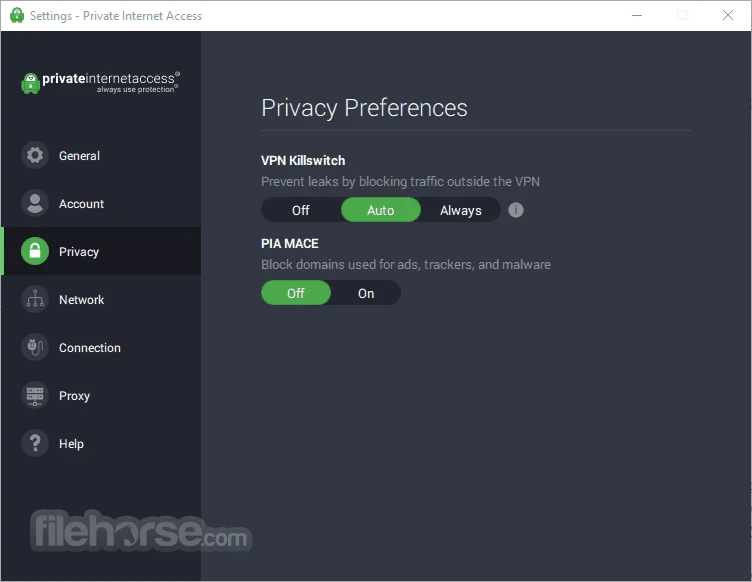
The innovative kill switch functionality is here with the capability of activating and deactivating according to your preferences. It maintains your anonymity, even in case of dropping your VPN connection. It is a common issue: in case of a congested server or internet instability, the VPN connection drops, and creates confusion for users. So, the app enables users to disconnect from the internet to save their personal information from being disclosed to others.
The support for peer-to-peer file sharing helps to increase P2P downloading, as it allows users to avoid region-specific restrictions and access websites for downloading the content of their choice. It also supports the port forwarding function, enabling users to redirect connections and easily unblock the websites that are blocked for multiple reasons.
The app is safe to use with all the additional precautions taken by the app’s developers, and unlike other VPNs, it has its own DNS, ensuring not any DNS leak while connecting. You can change the default DNS to another option if you want. It also offers an encryption configuration tool for selecting between different algorithms, allowing users to select AES-128, AES-256, Blowfish, or None. It is also embedded with a Handshake feature, allowing you to choose RSA and ECC alternatives.
The app is also embedded with a full-fledged suite of advanced security tools such as;
The app is also useful as a Chrome, Firefox, and Opera browser extension that can easily be added to your internet browser. After adding it, simply click it, and you can view the dashboard with a large connect icon. You can also view a list of nearest servers, latencies, and locations. You need only click the connect icon, and it protects your browser traffic. The extension is also embedded with a split tunneling option, enabling you to select the apps or sites that need a VPN service and use the Bypass List to separate the sites to use the regular connection.
The app offers paid services, and you can select a subscription plan of your choice, as there are multiple options such as monthly and yearly subscription models. Beyond the subscription plan, it also offers a one-year subscription to BoxCryptor. It is an encryption tool for cloud storage, but there isn’t a free trial version available; however, you have the option of a 30-day money-back guarantee.
Pros
Cons

Free VPN for PC bypassing content and gives you easy access to any censored data

Turbo VPN for PC, a secure and fast way for anonymous browsing

Clash for Windows, bypass geo-restrictions content

Proxifier provides proxy servers for network applications that lack built-in proxy servers

1111 Warp VPN Free Download for PC offers the fastest and safest internet connection while using the fastest DNS resolver.

V2rayN, an open-source GUI, manages V2ray server and proxy connections for free